Paste a Link, Get a Promo Video in Minutes

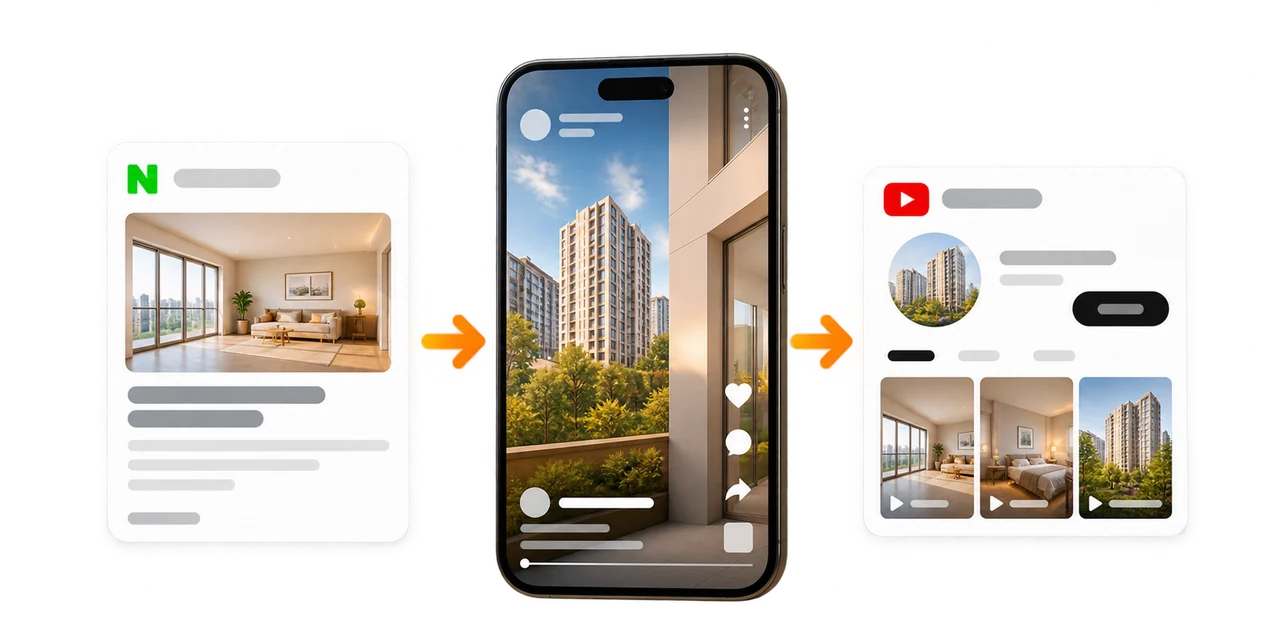
Auto-Create Property Promo Videos from a Single Blog Link

Make it yourself in a minute, or connect your channel and let it run.

Two ways, whichever suits you

Do it yourself

Make it yourself in a minute

Paste a link and start with the wizard. Best if you want a hands-on finish.

  • Real estate templates and wizard
  • AI voice, images, and auto captions
  • Magic Resizing for every ratio
Start yourself

No time to make them? You never have to touch it

One Pro plan is all it takes. Connect your channel once, then just post on your blog as usual.

1

Subscribe to Pro

One Pro plan covers a single agency. Scale up whenever your volume grows.

2

Connect your channel

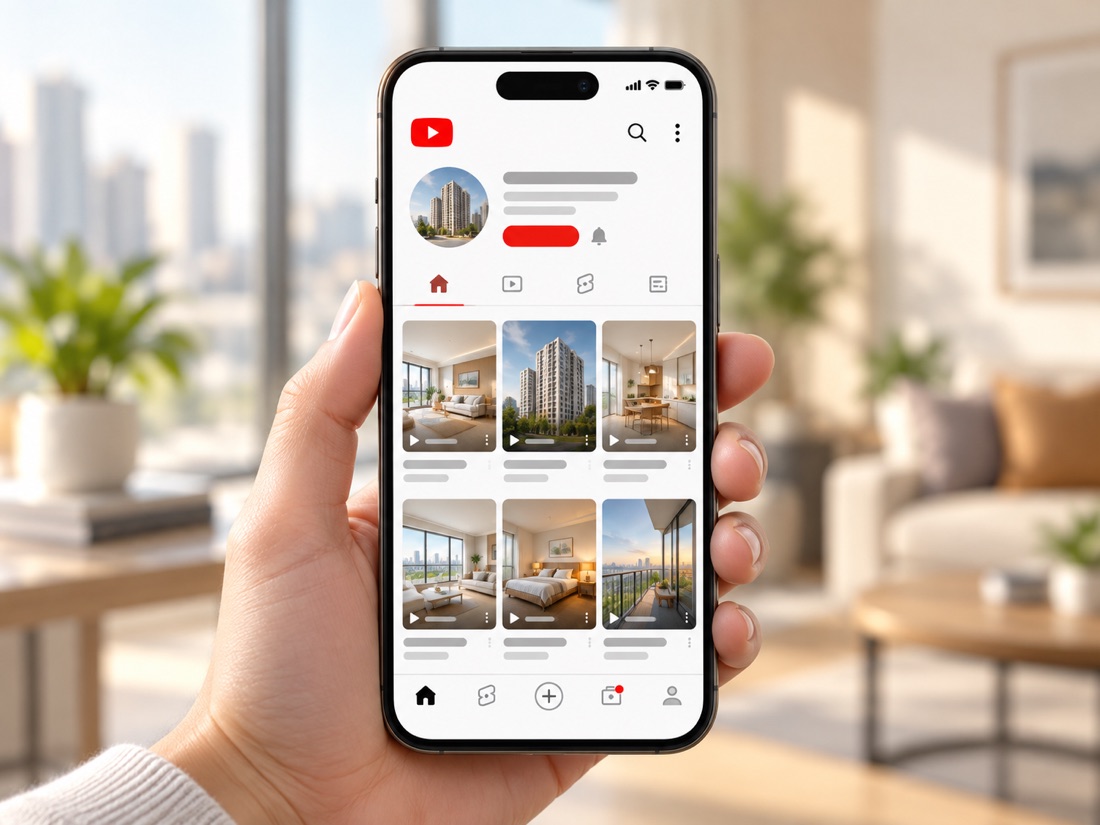
Open the link we send, sign in with Google, pick your channel. Every video lands in your own channel.

3

Post as usual

Just post a new listing on your blog. The video is produced and published to your channel automatically.

Your blog (just post as usual)
Your listing post Video
blog.naver.com/.../listing-A Published to channel
blog.naver.com/.../listing-B Rendering
Your next post, same flow Queued
See the Pro plan

Not sure about connecting? Contact us and we will set the channel up with you.

From Listing to Video: Keep Your Plan, Go Faster

We extract key details (property, location, features, schools) and build scenes automatically

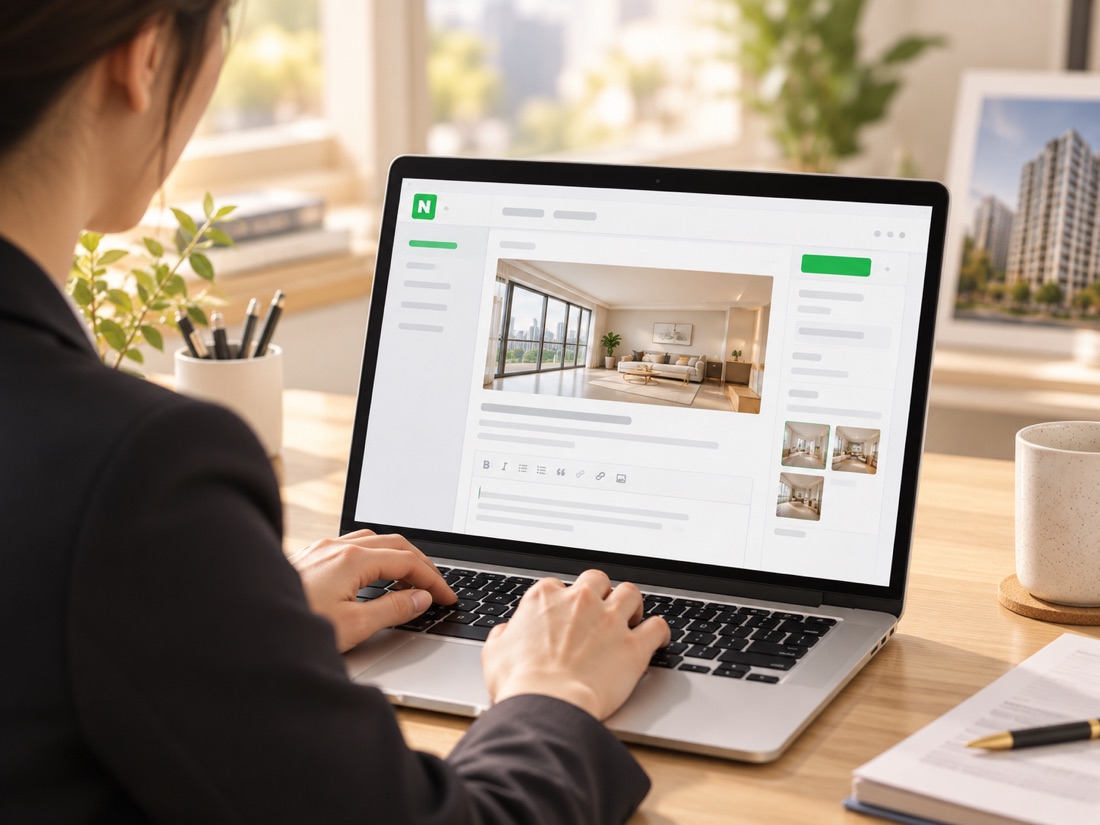
Paste a Blog URL to Start Your Listing Video

We read your blog, detect title/key lines/images, then auto-draft scenes with highlights. Missing shots are filled with stock footage.

No shoot needed. Go straight from blog to video. A rough cut is ready in moments; tweak only what you need.

Auto-Highlight Location, Transit, and Schools

We extract location/transit/school/amenities and render them as on-screen highlights.
We also recommend maps/nearby landmarks and offer capture guidance when needed to boost realism.

Minimize complex edits and focus on clear messaging.

Keep Your Brand, Let AI Handle the Repeats

Lock in brand elements (name, phone, watermark, colors, fonts) to ship consistent videos in under a minute for every new listing.
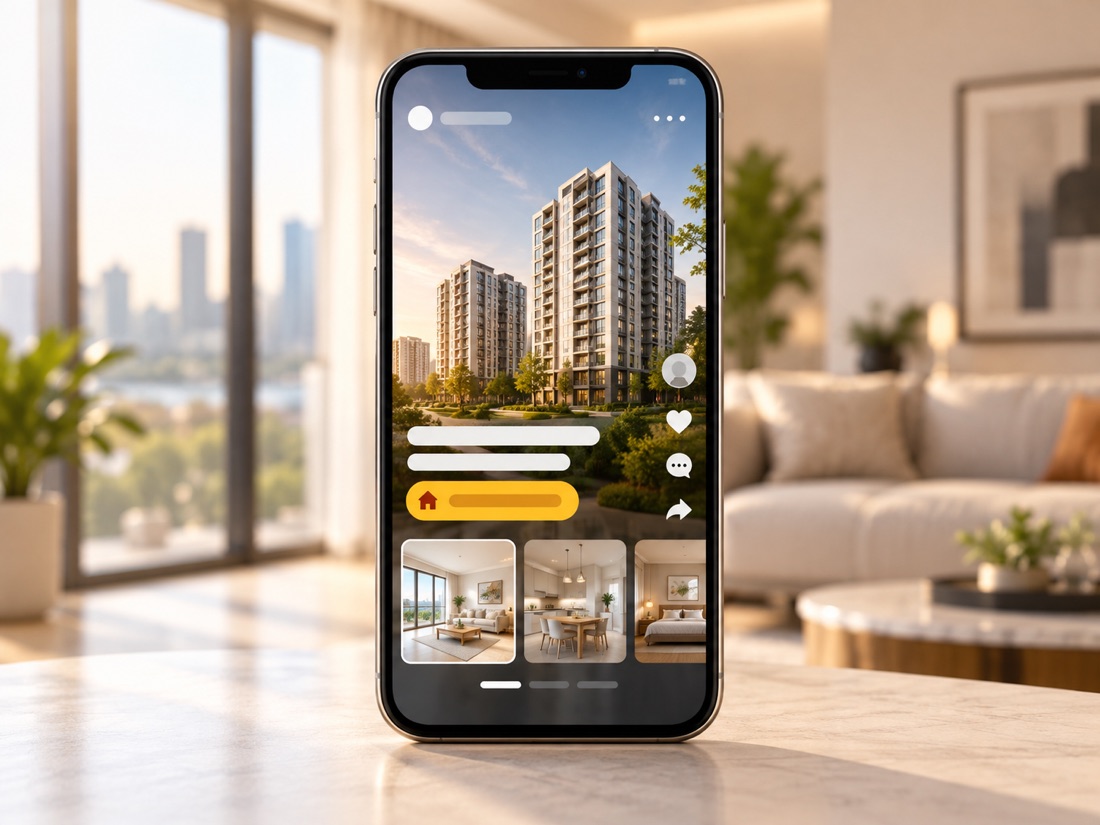
One-click aspect ratios plus AI voice and captions make Reels/Shorts posting effortless.

Let AI do the repetitive work, and keep the human touch for the finish.

Features That Make Real Estate Promotion Easier

Real Estate Templates

Start fast with templates for listings, open houses, and branding. Lock your name, phone, and watermark into the template.

Wizard Mode

Paste a blog URL and let AI propose summaries and scenes. You can also draft from text or your recorded voice.

AI Generation

Natural AI voice and image generation help you match tone and visuals to the property.

Asset Library

Use royalty-free stock video, images, and music. Map and landmark suggestions add realism.

Custom Templates

Save brand elements and produce new listings in under a minute. Keep channel consistency.

Team Collaboration Space

Share projects with your office and collaborate in real time to boost productivity.

AI Script Tool

AI proposes concise, impactful copy for key features and auto-optimizes for each platform.

Magic Resizing

One-click vertical/horizontal/square conversion. Fit Reels/Shorts specs automatically.

Auto Caption

Got videos and audio from the field? Generating subtitles and highlights with just one click!

See What Realtors Say

Even beginners can easily edit videos, and it saves a lot of production time. I only spend about 10 minutes a day creating videos, and since they can be actively used for marketing, it feels like it’s doing the job of one full employee, and I’m really pleased with it.
Haechi Real Estate · CEO Hyun-woo Lee
Before working with Videostew, creating video myself was stressful. Now, I just write the script, and Videostew helps generate videos, images, and voice recordings with my chosen voiceover, saving me time and allowing me to focus on my main tasks.
Jamsil MICE · CEO Tae-yong Ahn
Now I make the video first, export thumbnails and stills, and finish the blog post. My workflow flipped, in a good way.
City Realty · Ms. Lee (Broker/Owner)
When a blog post almost auto-creates the video, it feels like our agency finally owns a major channel, YouTube.
Barunjip Realty · Mr. Choi (Owner)

Start with fair pricing

We offer pricing by team size to grow with you.

Monthly Payment Yearly Payment(16% off)

Individual

Light

$
7
mo
billed $82 yearly
  • 9,000 credits
  • Max 5 mins video/project
  • Up to 3GB Storage
  • Up to FHD Resolution
  • Create up to 1 workspace
  • Voice cloning
  • Inviting collaborators
  • Workspace templates
  • 24/365 Customer service

Personal

$
21
mo
billed $247 yearly
  • 30,000 credits
  • Max 10 mins video/project
  • Up to 10GB Storage
  • Up to FHD Resolution
  • Create up to 1 workspace
  • Voice cloning
  • Inviting collaborators
  • Workspace templates
  • 24/365 Customer service
POPULAR

Pro

$
34
mo
billed $412 yearly
  • 60,000 credits
  • Max 10 mins video/project
  • Up to 20GB Storage
  • Up to FHD Resolution
  • Create up to 1 workspace
  • Voice cloning
  • Inviting collaborators
  • Unlimited workspace creation
  • 24/365 Customer service

Creator

$
53
mo
billed $641 yearly
  • 90,000 credits
  • Max 15 mins video/project
  • Up to 50GB Storage
  • Up to FHD Resolution
  • Create up to 10 workspaces
  • Voice cloning
  • Inviting collaborators(~2 seats)
  • Workspace templates
  • 24/365 Customer service

Business/Orginization

Brand-10

$
107
mo
billed $1,283 yearly
  • 180000
  • Max 20 mins video/project
  • Up to 100GB Storage
  • Up to FHD Resolution
  • Create up to 10 workspaces
  • Voice cloning
  • Inviting collaborators(~10Seats)
  • Unlimited workspace creation
  • 24/365 Customer service

Brand-20

$
160
mo
billed $1,925 yearly
  • 360000
  • Max 20 mins video/project
  • Up to 150GB Storage
  • Up to FHD Resolution
  • Create up to 20 workspaces
  • Voice cloning
  • Inviting collaborators(~20Seats)
  • Unlimited workspace creation
  • 24/365 Customer service

Brand-30

$
214
mo
billed $2,566 yearly
  • 540000
  • Max 20 mins video/project
  • Up to 200GB Storage
  • Up to FHD Resolution
  • Create up to 30 workspaces
  • Voice cloning
  • Inviting collaborators(~30Seats)
  • Unlimited workspace creation
  • 24/365 Customer service

FAQ

FAQs

Yes. You can start from plain text or voice. Drop the draft into a template and it becomes a finished video.

Yes. With managed auto-operation you just keep dropping listing blog links into a sheet, and we produce the videos and publish them to your channel automatically. You never have to open the editor.

Subscribe to a plan that fits your monthly volume and we run it on that plan's credits. It works inside your subscription credits with no separate agency fee. Leave a request for auto-operation and we help you set up the plan and the sheet.

Everything is yours. Auto-operation runs on your own account token, so the videos, the credits, and the channel they publish to all stay under your account.

If you like a hands-on finish, do-it-yourself fits. If you have many listings and little time, auto-operation fits. Both use the same real estate templates and credits, so you can switch later.

Save your logo, colors, fonts, and a watermark into a template so your whole team stays on-brand. See the Create a custom template guide for details.

No. Create once and use Magic Resizing to instantly convert to 9:16, 16:9, and 1:1.

Yes. In a team space you get reviews, comments, versioning, and shared templates/brand guides.

Extend your blogging habit to video

Start 2-Week Trial
[Stop]