Managed Real Estate Video Automation

Just Post Your Listings.
Your Videos Follow Automatically.

We turn listings into branded Shorts and publish them to your YouTube channel.
Connect once and keep posting as usual.

No production, editing, or uploading work on your side
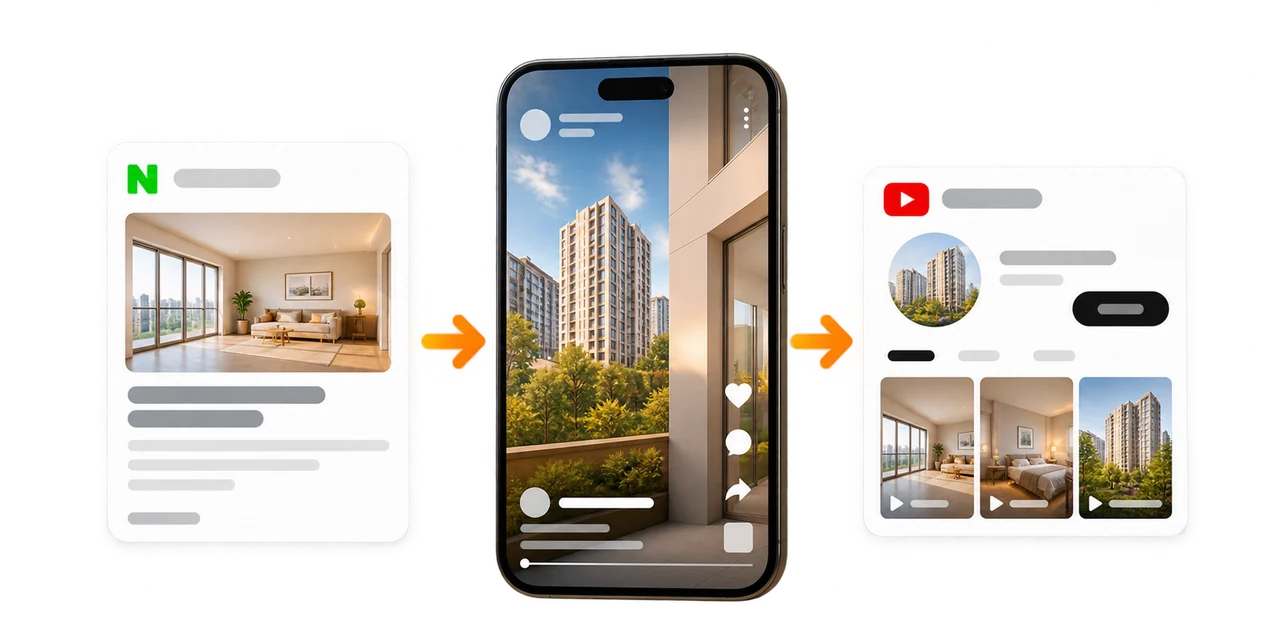
Auto upload complete A listing post flowing into a Short and a YouTube channel

One-time setup

Your branded template

Your account and channel

No separate agency fee

Videostew Process

Keep Working as Usual and Gain a Video Channel

See a free sample first. If you like it, we connect your branded template and YouTube channel.

01

Post a listing

Publish photos and details to your Naver Blog as usual. No spreadsheet or editor is required.
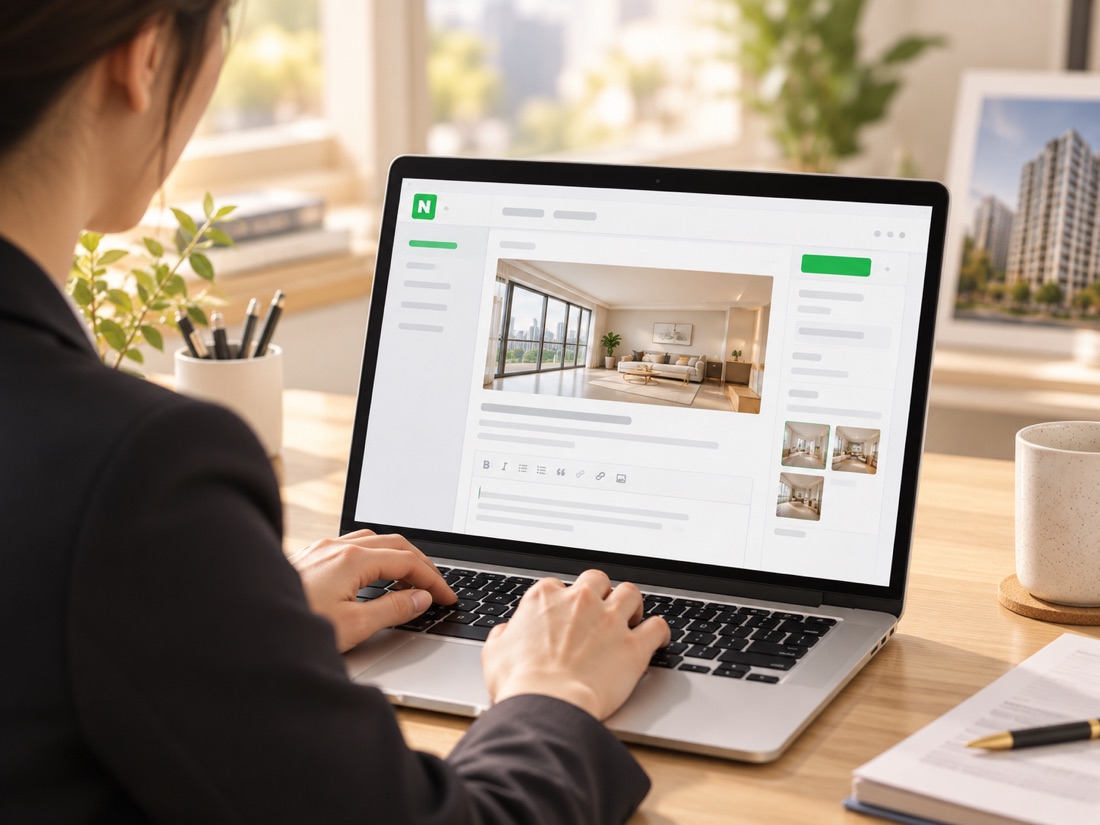
Writing a listing post
02

Auto-create with your template

Your branded template automatically arranges the key facts, images, and narration.
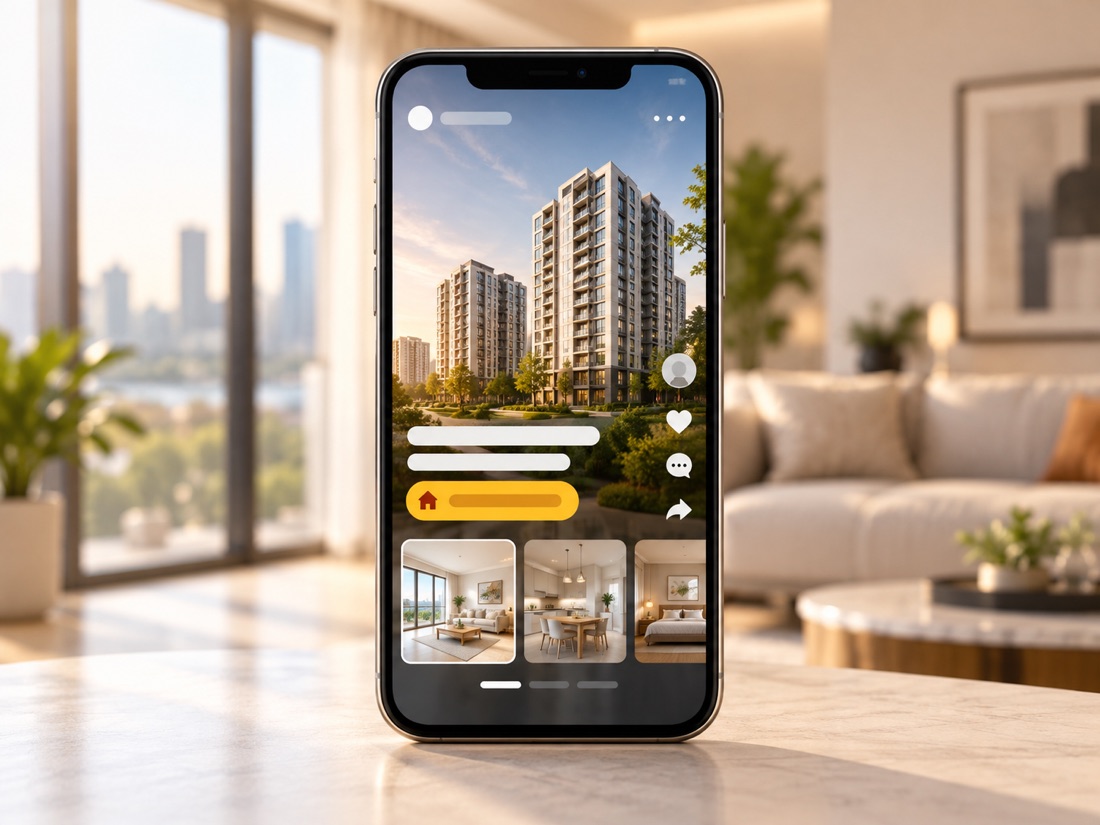
Branded video template
03

Publish to your YouTube

Finished Shorts are published to your connected channel, with an optional review step before they go public.
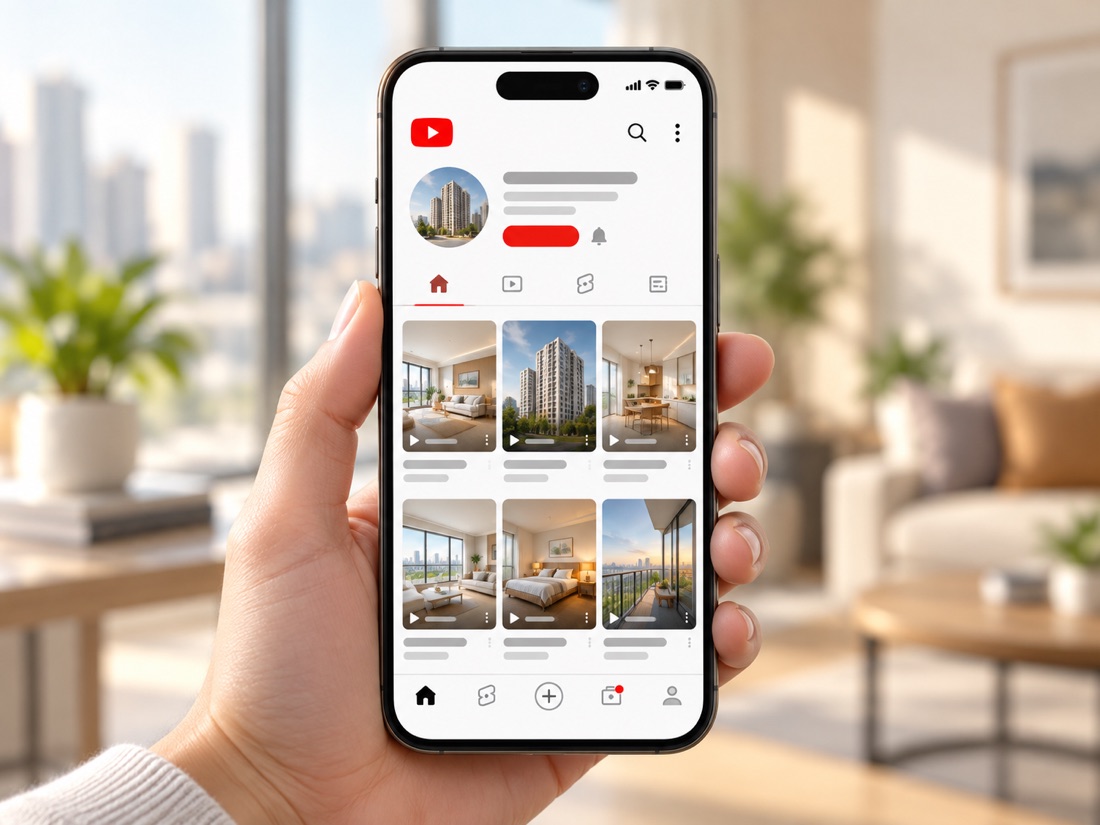
Automatic YouTube publishing
Your blog (just post as usual)
Your listing post Video
blog.naver.com/.../listing-A Published to channel
blog.naver.com/.../listing-B Rendering
Your next post, same flow Queued
Get a Free Sample from My Blog

Decide after seeing your sample. Live operation uses Pro plan credits with no separate agency fee.

Turn Your Listing Details and Photos into Videos

We arrange the facts and features confirmed in your post using your agency's template

A real estate agent writing a Naver Blog listing post

Your Blog Post Becomes a Video Draft

We read the title, key lines, and photos from your Naver Blog, then build scenes with listing summaries and highlights.
We use actual property photos and confirmed details, separating them from business cards and repeated banners.

Your agency only needs to keep posting listings as usual.

Listing information arranged as a vertical video

Prices, Area, and Features Based on Your Post

Prices, area, transit, and facilities described in your post become concise explanations for the video.
We do not add unsupported returns or market forecasts. Your agency checks the accuracy of the original listing details.

With pre-publication review, check the photos and conditions in the finished video before requesting public release.

Listing videos published on a real estate YouTube channel

Your Brand Stays Consistent in Every Video

Your agency name, phone, watermark, colors, and fonts stay fixed in a branded template for consistent results.
AI voice and captions complete the video, which is uploaded to your connected YouTube channel.

The same workflow repeats for every new post.

What Managed Automation Includes

Real Estate Templates

We prepare a branded template with your name, phone, and watermark, starting with a sample for review.

Automatic Blog Intake

New listing posts are detected and their title, copy, and images enter the video workflow.

Automatic Video Production

Listing summaries, scenes, AI voice, captions, and rendering are handled automatically.

Actual Property Materials

We use actual property photos and show confirmed facts as information scenes. If the materials are insufficient, we explain what is needed.

Consistent Branding

Every listing video uses the same logo, colors, fonts, and contact details.

Optional Review Before Publishing

You can review each video and request changes before it goes public.

Listing Highlights

Confirmed listing features and conditions are condensed into concise video copy.

Shorts-ready Format

We produce vertical videos for YouTube Shorts. If you need landscape videos, we discuss a format suitable for your use.

Captions and AI Voice

A natural AI voice narrates the listing while key points appear as automatic captions.

Preview Real Estate Template Designs

Operating a Video Channel from Listing Posts

Several agencies use their blog listing posts to produce videos for their own YouTube channels. One agency handling warehouses, commercial spaces, land, and homes uses templates by category and excludes posts unrelated to listings.

The agency keeps posting listing photos and details. We handle the script, captions, AI voice, production, and uploading. Review before public release and video format are agreed during setup.

One-minute overview · Watch a blog post become a video (fictional demo listing)

Feedback from Customers Who Edit with Videostew

The feedback below is from customers using the Videostew editor themselves, rather than reviews of managed blog-based automation.

Even beginners can easily edit videos, and it saves a lot of production time. I only spend about 10 minutes a day creating videos, and since they can be actively used for marketing, it feels like it’s doing the job of one full employee, and I’m really pleased with it.
Haechi Real Estate · CEO Hyun-woo Lee
Before working with Videostew, creating video myself was stressful. Now, I just write the script, and Videostew helps generate videos, images, and voice recordings with my chosen voiceover, saving me time and allowing me to focus on my main tasks.
Jamsil MICE · CEO Tae-yong Ahn

Video Automation with One Pro Plan

Turn blog posts into videos and keep your YouTube channel running.

Per month $41

Billed monthly

Annual billing $412

Equivalent to $34.33/month · Paid upfront once a year

  • 60,000 credits included each month
  • No separate video agency fee

Production volume depends on video length and the features used.
We estimate your monthly production volume from the sample.

FAQ

FAQs

This service specializes in turning Naver Blog listing posts into videos. It works best for agencies that regularly publish listing photos and details. You can also create videos from text and photos in Videostew, but that is a different workflow from detecting new posts and uploading them automatically. If you do not have a blog, contact us about your materials and preferred workflow.

We handle video production and uploading. After your blog, channel, and branded template are connected, keep posting listings as usual. Your agency provides the photos and checks the listing details. We agree on any review step before public release during setup.

The Pro plan costs $41 when billed monthly. Annual billing is $412 paid upfront, equivalent to $34.33 per month. Production uses 60,000 credits each month, with no separate video agency fee. Check all plans for billing terms, or review a free sample first.

Production is not unlimited. Credit use depends on video length, AI image and video generation, and re-renders. We estimate your monthly volume from the sample and recommend a suitable plan if needed. Credits renew on the first of each month, and unused credits can roll over once.

Share a Naver Blog listing URL and your contact details through the free sample form. Choose a post with listing details and actual property photos. We turn that post into a sample so you can decide after seeing the result.

Your post supplies the photos and details for the video. With fewer photos, confirmed facts can be shown as information scenes. Posts with no actual property materials or too little detail may need more content. We do not present another property or an AI-generated space as your listing. Without new posts, no new-post-based videos are produced.

Uploading and public release are separate steps. With pre-publication review, you check the video before requesting release. We agree on the workflow during setup, and you can flag any details that need revision during review.

After reviewing the sample, we prepare a template with your agency name, logo, colors, and contact details. Templates can differ by listing category. If you need landscape videos as well as Shorts, we discuss the appropriate format for your use. New listing videos follow the agreed design.

Editing a blog post does not automatically revise or delete a video already uploaded. If the price or transaction status changes, tell us which video and what changed. Your agency should also check that the original listing and the publicly available video show the correct conditions.

You retain ownership of your account and channel. Videos are stored in your Videostew account and uploaded to your connected YouTube channel. You authorize the upload connection without sharing your password, and can revoke that authorization in your Google account settings.

See Your First Video
Using a Listing You Already Posted

Get a Free Sample

All you need is one blog post URL.

[Stop]