Use Cases
Video Editing
Script to Video
Blog to Video
Real Estate
Media Automation
For Schools
Pricing
Templates
Guide
Blog
Sign Up
Login
Guide
🏠 Let's go
🍸 Go with the flow
👀 Home Screen
🗂️ Editing Screen
🖥️ Account & Payment
📗 Advanced Utilization Tips
📋 Frequently Asked Questions
🏠 Let's go
🍸 Go with the flow
👀 Home Screen
🗂️ Editing Screen
🖥️ Account & Payment
📗 Advanced Utilization Tips
📋 Frequently Asked Questions
Guide
>
Advan... Tips
>
Trans...uages
> 1. First
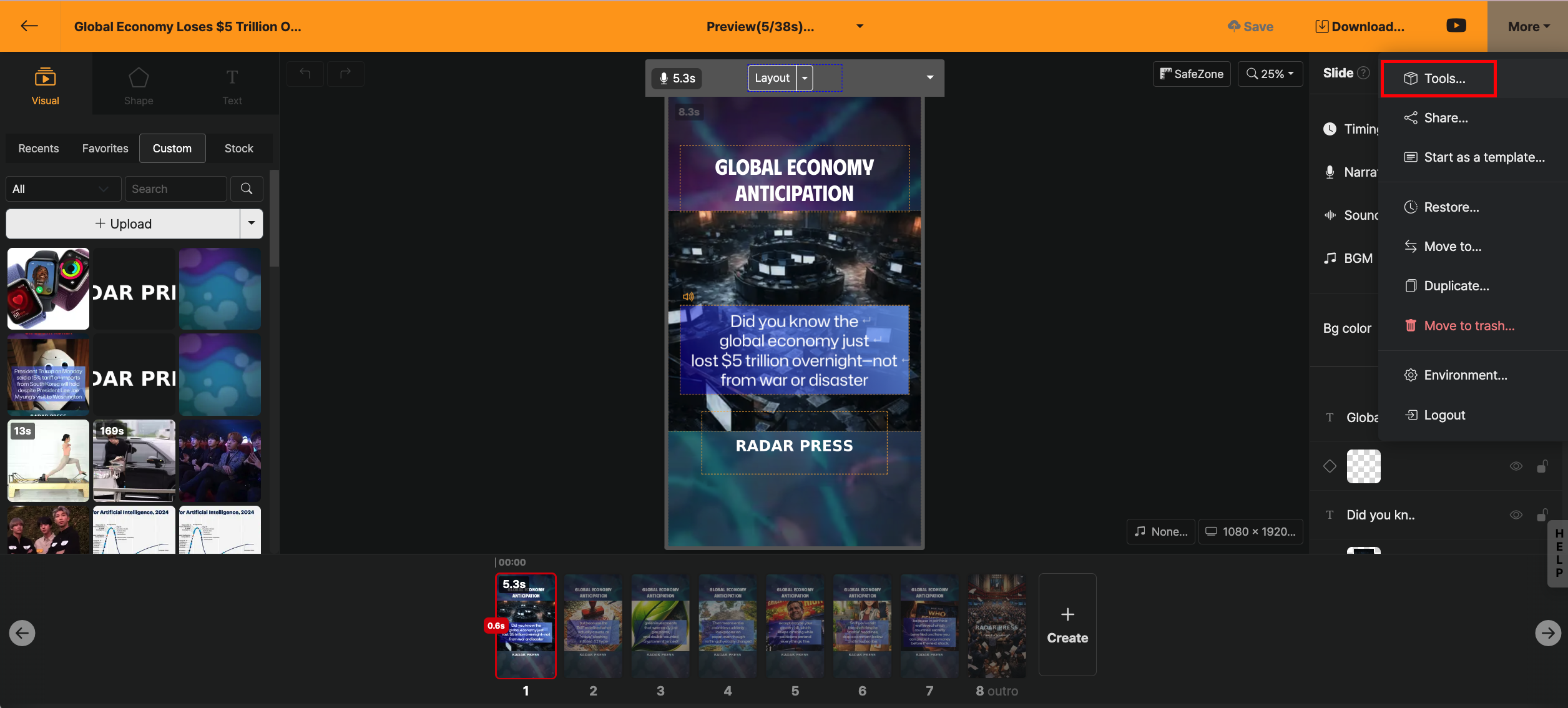
First, open the editing screen and select "더보기 > 도구들" from the top right menu.
Please select the "번역" feature and proceed to the next step.
[Stop]