Guide
Detailed Settings for Widget Mode Template
In the final stage, you can view detailed information of the template to be applied and directly modify the necessary elements before proceeding to the editing screen.
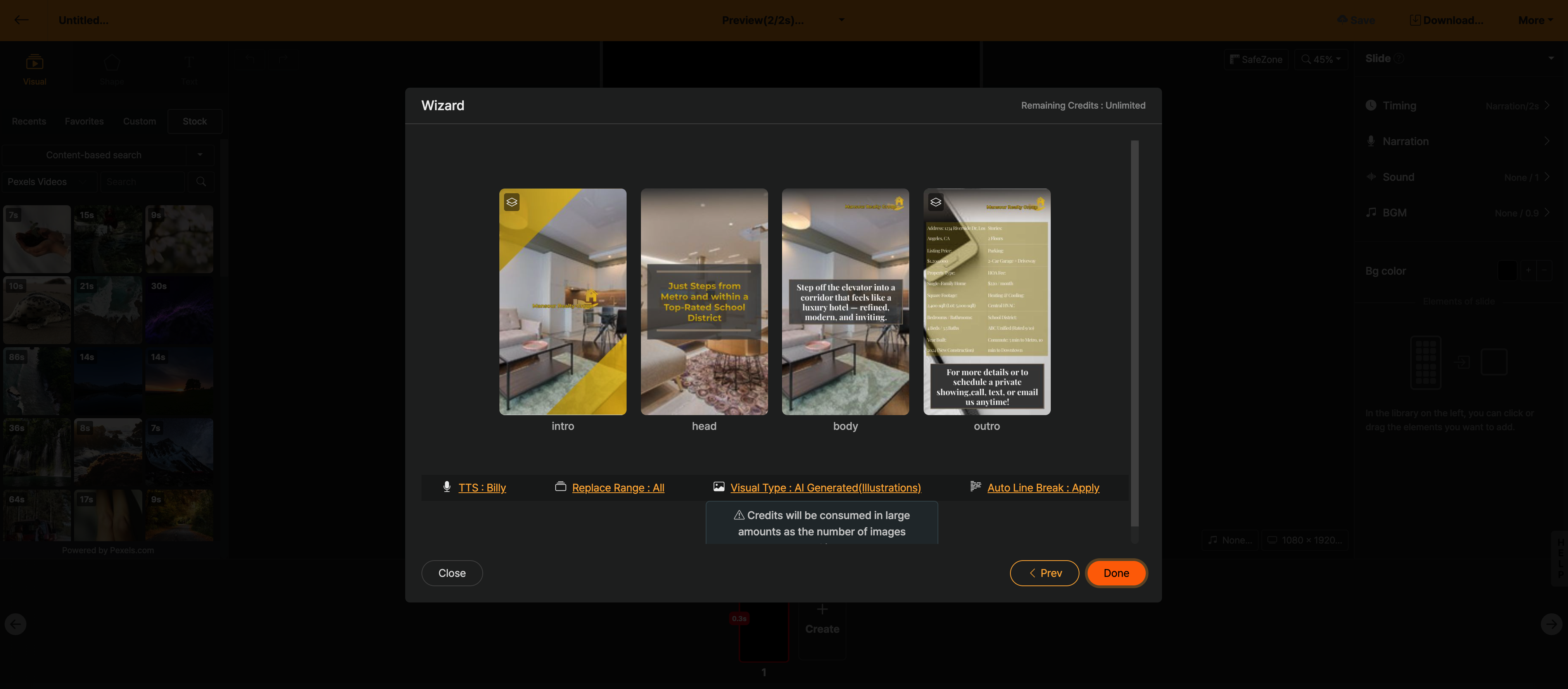
< Detailed Settings Screen for Template >
- Change AI Voice Actor: Change the AI voice to be used in the project to be generated.
- Replacement Scope: Choose whether to change the entire template or only the actual body content. If it is a template with an intro and outro that your brand uses consistently, it is recommended to set it to change only the body content.
- Visual Type: Select the type of visuals to place according to the content. If you select "AI Auto", the AI analyzes the script and automatically selects, generates, and places the format that best fits the scene among stock photos/videos, AI images, AI videos, and AI infographics. If you have a specific type in mind, you can directly select a single type such as stock video, stock image, or AI image. Credits are used for sections where AI images, AI videos, and AI infographics are generated.
- AI Visual Style: Select styles such as photorealistic, digital art, vector, etc., to be applied when AI images and AI videos are generated. For art styles not in the list, you can describe them directly using a custom style.
- Auto Line Break: Naturally breaks lines according to context when sentences are displayed line by line with the [텍스트 등장효과] animation. It is recommended to apply this.
