Guide
Processing Multiple Scenes at Once with AI Generation
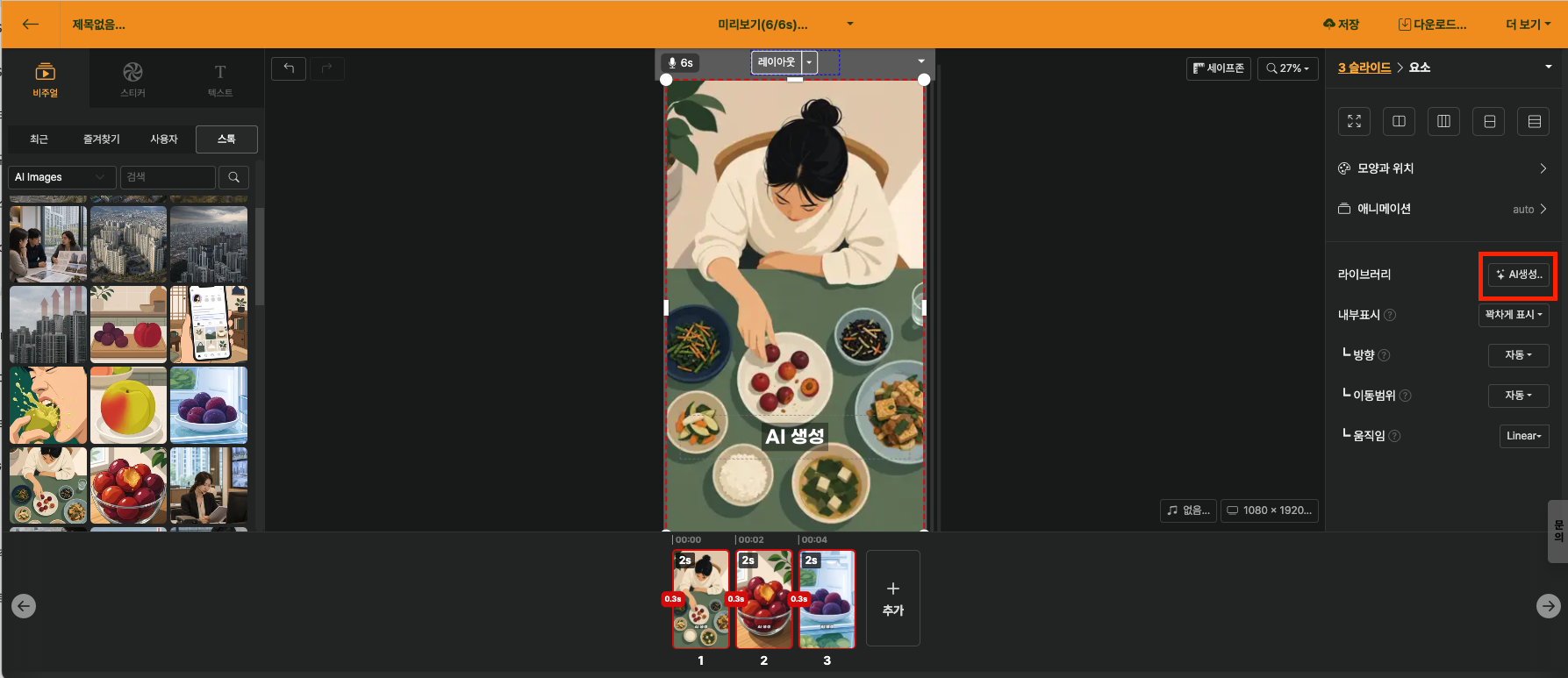
AI images or AI videos originally require adding one scene at a time in the Library Window, then waiting until the result is complete before generating the next scene. When there are many scenes, this process can be tedious.
To address this, you can select multiple slides and generate or regenerate AI images·videos at once. If you request generation and continue with other editing work, the completed results will be automatically replaced in each slide in order. There is no need to wait in front of the screen until all scenes are finished.
