Guide
Sticker
Editing Screen > Left Library Window > Sticker Tab > Stock
In the Stock section of the Sticker tab, you can search for GIF animations, transparent stickers, icons, and more to insert into the slide. The available sources vary by category.
| Category | Description |
|---|---|
| Tenor GIF | Tenor's GIF animations. Only personal use is allowed (Tenor policy). Do not use in commercial videos. |
| Tenor Sticker | Tenor GIF stickers with transparent backgrounds. Similarly, only personal use is allowed. |
| The Noun Project | A library of hundreds of thousands of vector icons, pictograms, and shape illustrations created by designers around the world. Search by keyword to insert monochrome icons or shapes into your slides. Commercial use is allowed. Videostew does not provide a separate shape-addition menu; if you need shapes, search for the shape you want in The Noun Project in the sticker tab and use it. |
| AI Icon | Videostew AI generates transparent sticker images. It can automatically recommend them based on slide text, or you can directly enter the object you want to generate. |
Create AI Icon
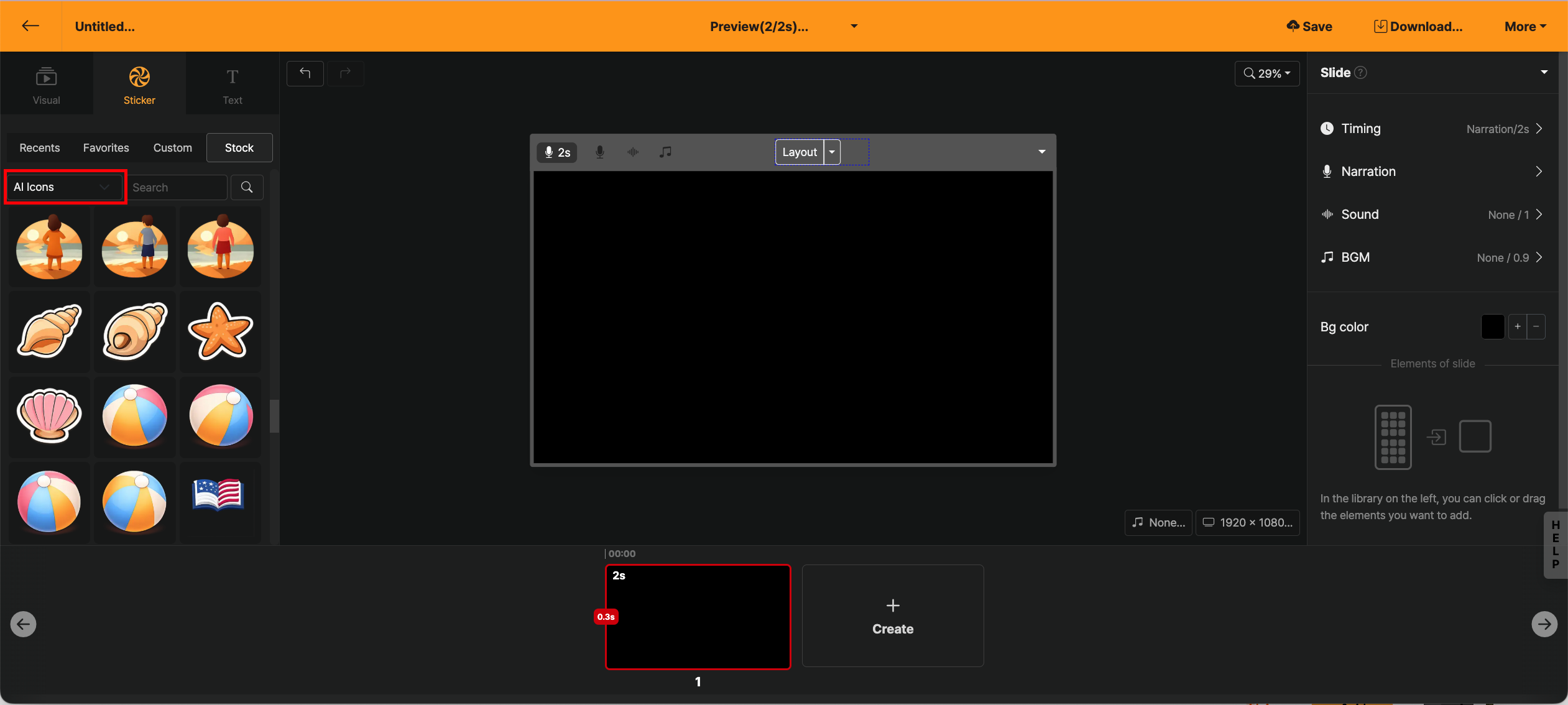
Press the + Add button to create AI icons in various styles. Based on the content already entered in the editing screen, you can create important objects, or simply enter the object you want directly to make the sticker image you want.
