Guide
Changing the Title (No Title)
You can set the project title and description. If you insert a URL into the description field, it can be used as a link in the Share screen. Also, the title and description fields are automatically generated according to the content of the created project.
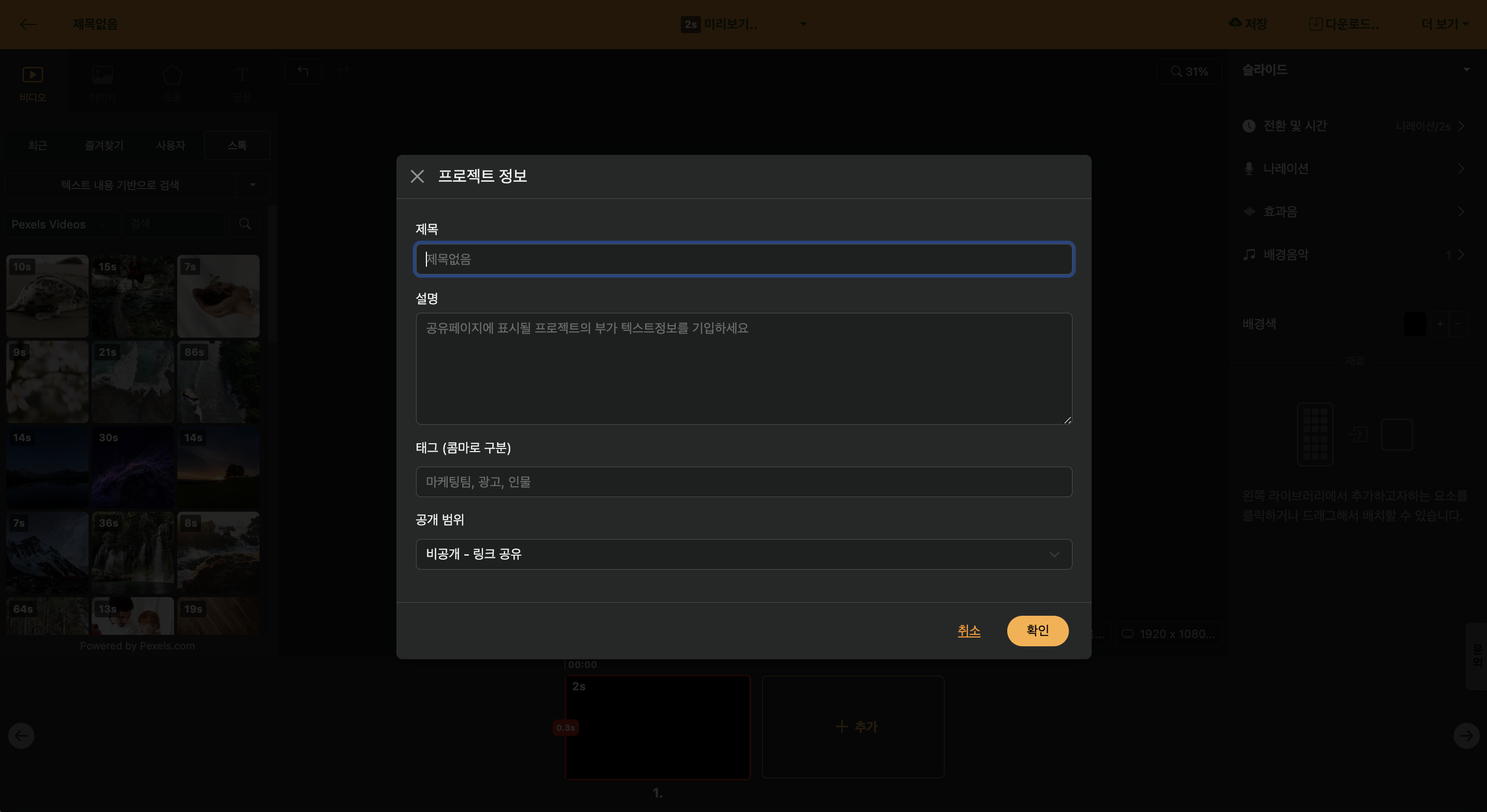
< Edit Project Information >
Description
Editing screen > Click project info in header
You can add a brief summary of the project content; when the project is published on the web, this information will appear on the website.
Time Information Included
Editing screen > Click project info in header
When you upload a slide-based script, the slide’s duration is automatically added to the description. If you embed it on a replay platform like YouTube, you can click the time to change the replay point, and the functions are linked.
Tag
Editing screen > Project info in header
When you enter tag information separated by commas, you can use it conveniently by tag when searching on the home screen.
Publish Scope
Editing screen > Project info in header
All projects are created in a private state by default, where they can only be accessed if the address is known. When this setting is changed, it can be configured to appear in web search results.
To use it as "My Own Template", you must set it to the "Published" status; for instructions on creating a template, please refer to the [Create My Own Template] guide.
