Guide
Upload via YouTube
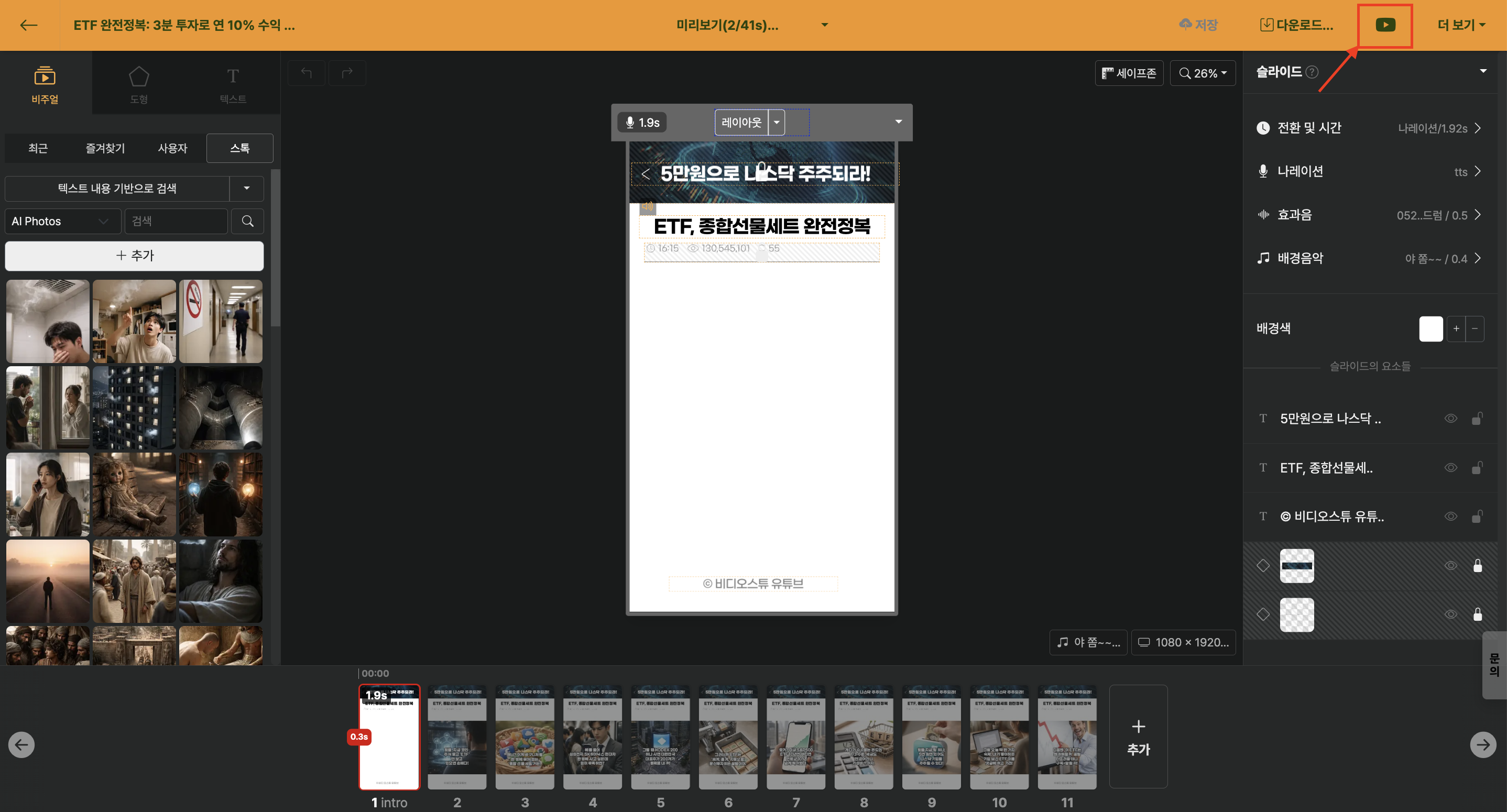
When video rendering is complete, the YouTube upload button becomes active.
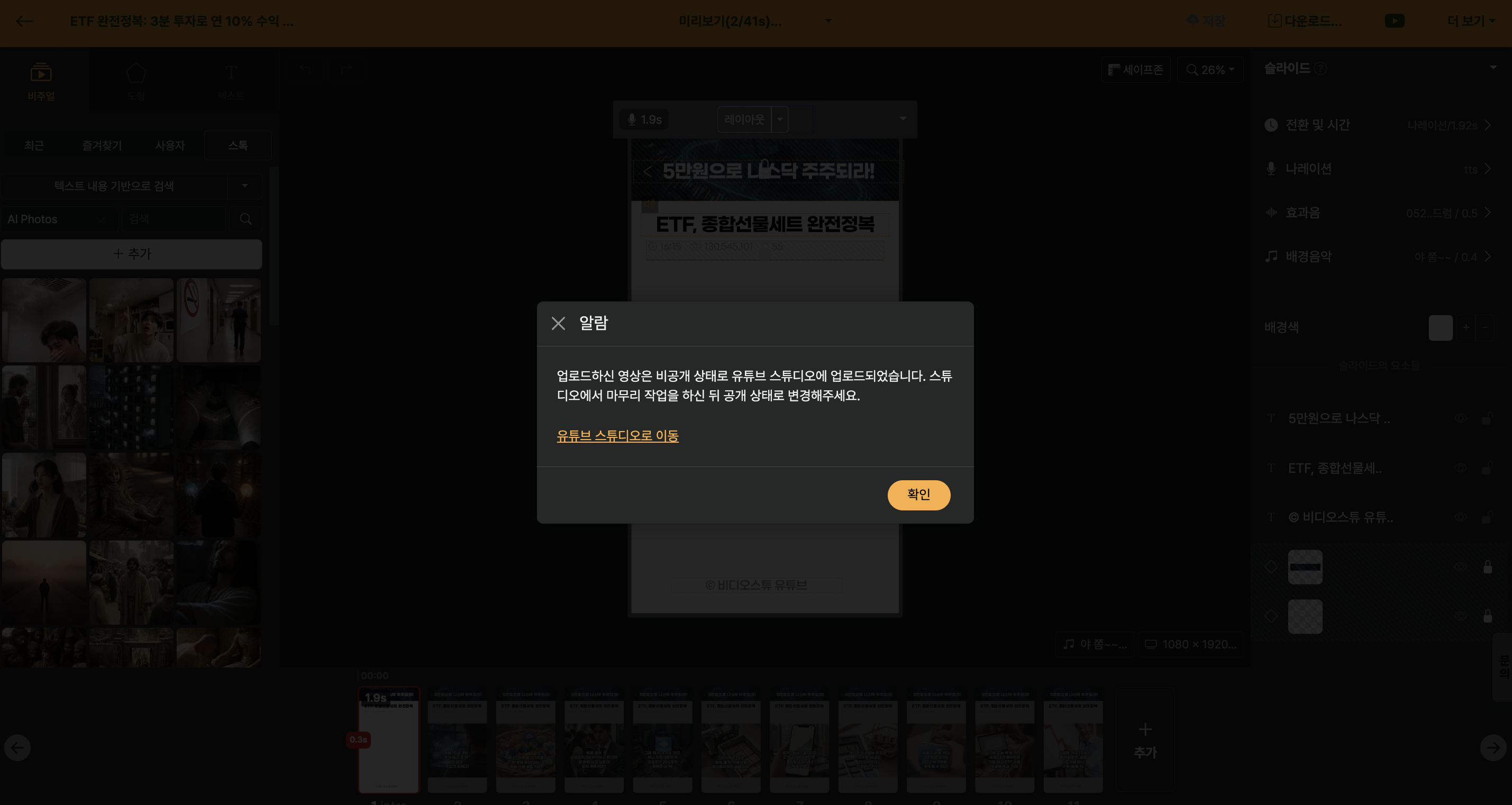
Click the button and select a YouTube channel, and the video will be uploaded as an unlisted status. If the video is uploaded successfully, a notification message appears that allows you to move to the YouTube Studio.
