Guide
Wizard Mode
As soon as a new project starts, you enter the Edit Screen where the wizard window pops up immediately. Here, you can set the title by default, and if you continue by clicking "Next", you can start creating content more easily. For detailed explanation about the wizard, refer to [Getting Started with Wizard Mode].
When entering text directly, you can include up to 10,000 characters. You can also paste up to 20,000 characters by copying and pasting external text or starting from a blog URL.
After that, if you use the "Add Text" function, AI will regenerate the text according to the desired video format.
The software reconstructs the text to fit a maximum length of 60 seconds. However, the content entered can exceed 60 seconds to preserve the naturalness and completeness of the input.
Title Settings
When using the merge feature, you can automatically add relevant content to the title.
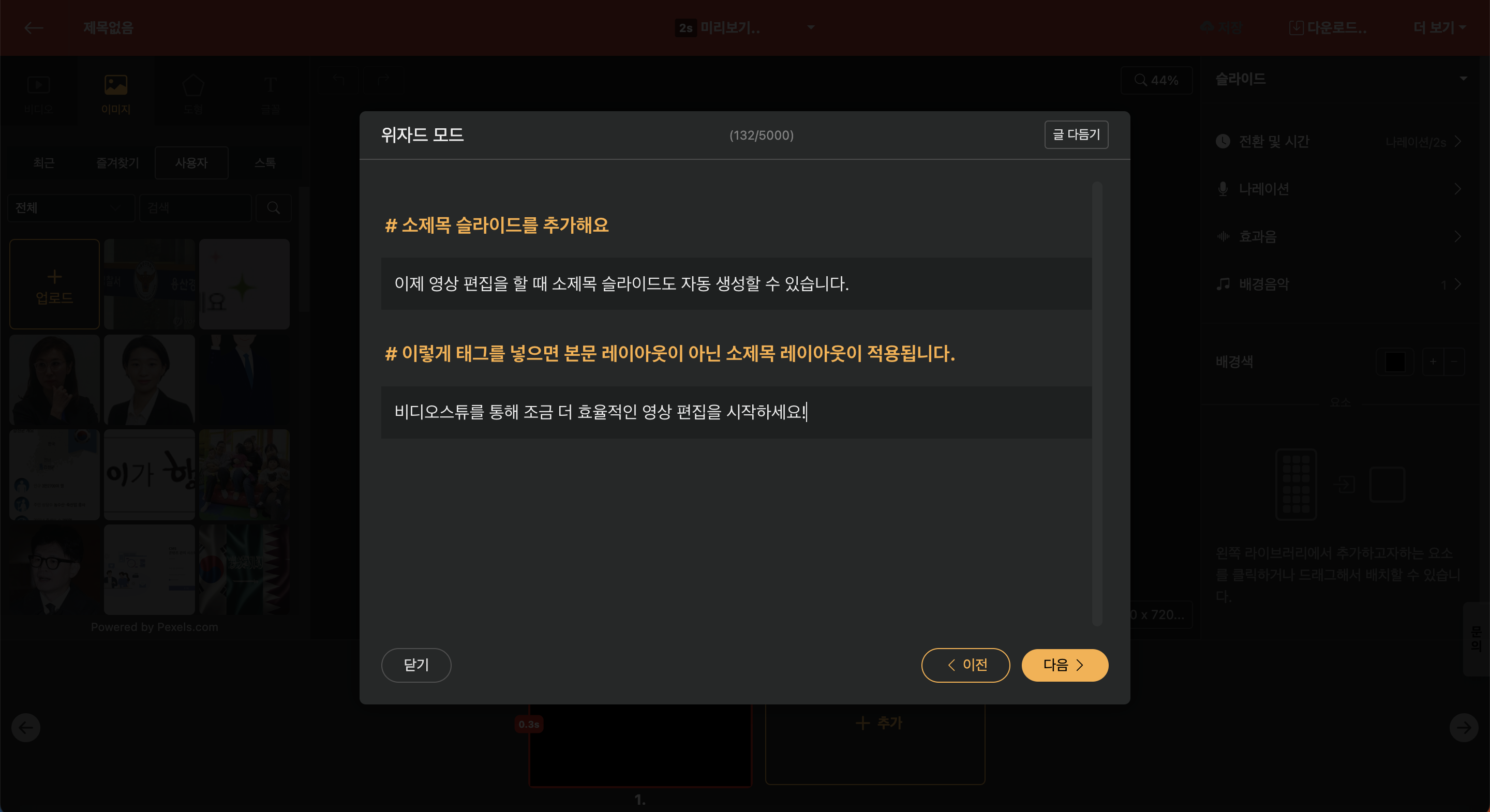
When entering the original text directly into the text editor, using the "#" tag will automatically convert it into a subtitle slide. (Make sure to leave a space after "#".)