Guide
Translation detail settings
Through the "고급 설정" feature, you can set the project to be translated in more detail.
Change font
You can see a list of all fonts used in the project, and directly specify the replacement font for each font.
Area-specific settings
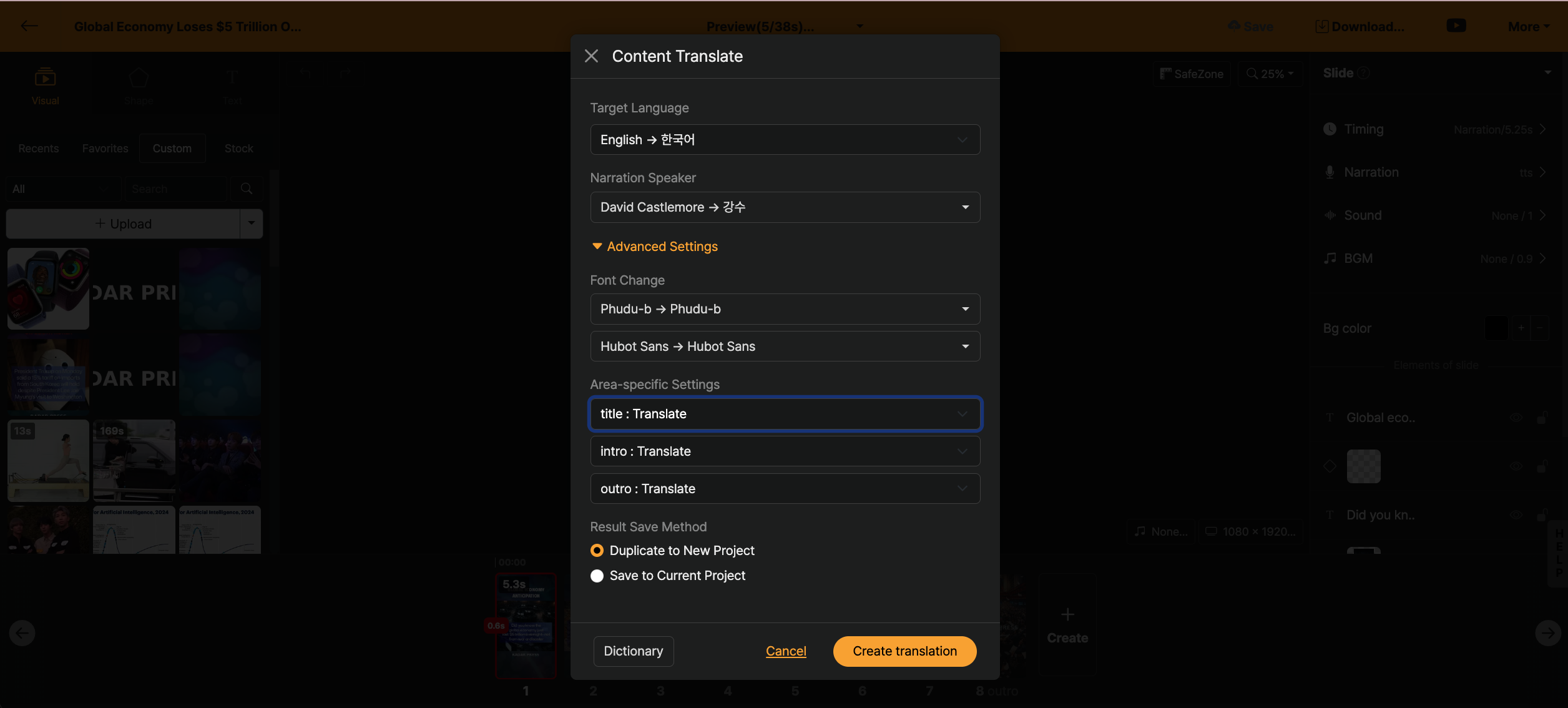
If it is a template created based on [나만의 템플릿], you can directly set whether to translate each slide. Also, you can replace each slide layout with a specific template.
For example, if you created a project in Korean and want to translate it into English but the design gets broken due to automatic translation, you can prepare a well-designed English template in advance and use the intro, outro of this template.
How to save the result
- Copy to a new project: Copy the translated content to a new project.
- Save to current project: Replace the current project with the translated content.
