Guide
Various ways to request a video
Videostew allows you to use various materials to create and edit videos for everyone.
Start with an idea
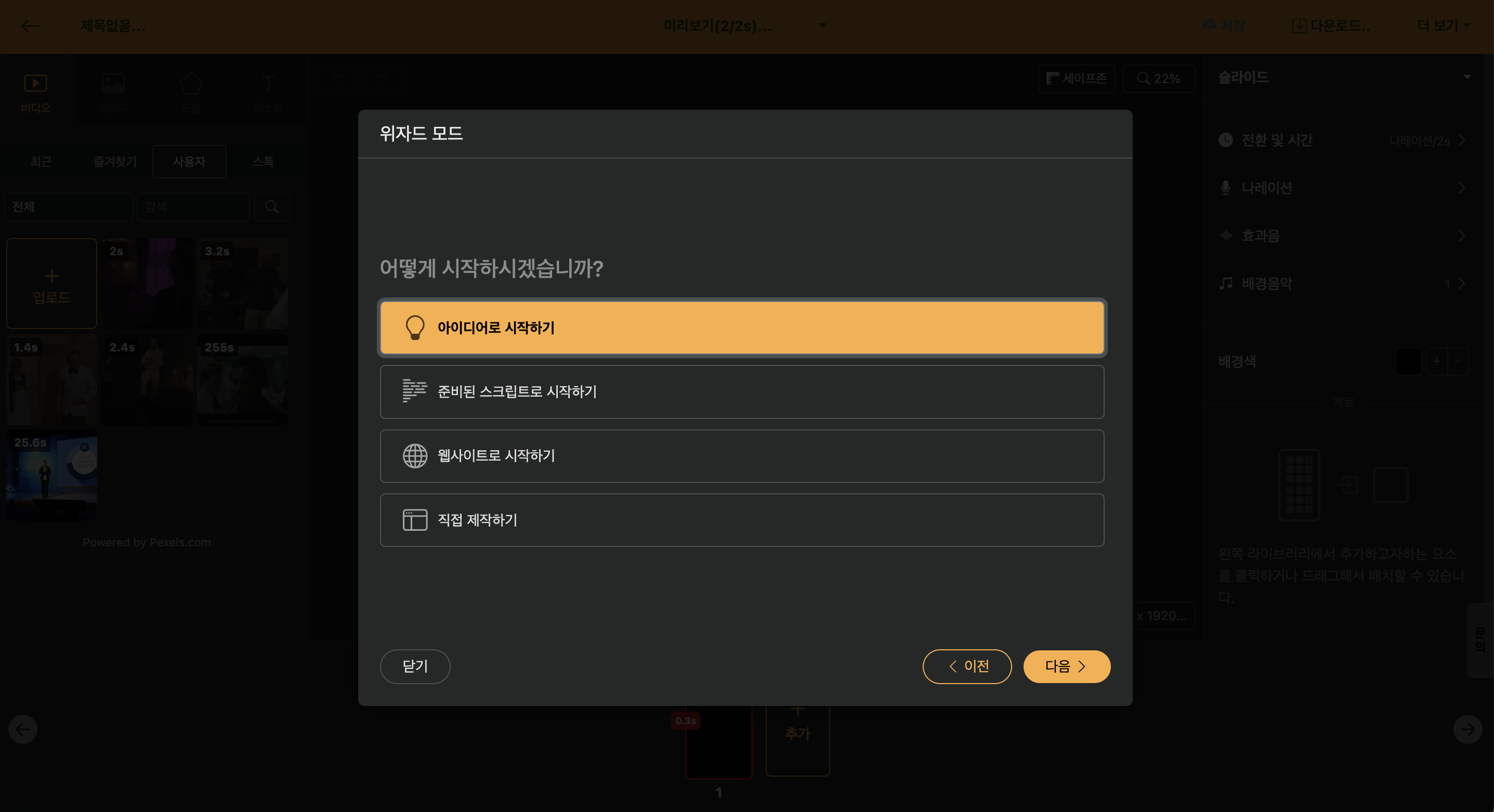
With this option, you can create a script for a short film or a long film with simple text input. You can specify 'target segment' and 'style' with the supported styles being as follows.
| Style | Detailed Description |
|---|---|
| Casual Tone | Creates scripts that communicate closely with viewers through comfortable and natural speech. |
| News Style | Creates scripts that convey information clearly and concisely with a trustworthy anchor tone. |
| Podcast Format | Creates scripts that immerse listeners through a conversational, engaging flow. |
| Informational Content | Creates a script that conveys fun knowledge and information easily and accurately. |
| Insight Column | Creates a high-quality script with specialized knowledge and communication skills in a specific field. |
| Essay | Creates deeply meaningful scripts that sincerely express personal thoughts and emotions. |
| Musical | Creates scripts full of personality with concise and impactful musical-style text. |
< Style Specification and Keyword Creation Preview >
Select each style and move to the next step to prepare a team for the best results. Refer to the relevant content and create the content with keywords or short sentences, then move to the next step to complete the script.
Of course, you can recreate the completed script or edit only the desired parts.
Start with a prepared script
If you have prepared a draft video through Word or Memo, you can use Copy & Paste to utilize it.
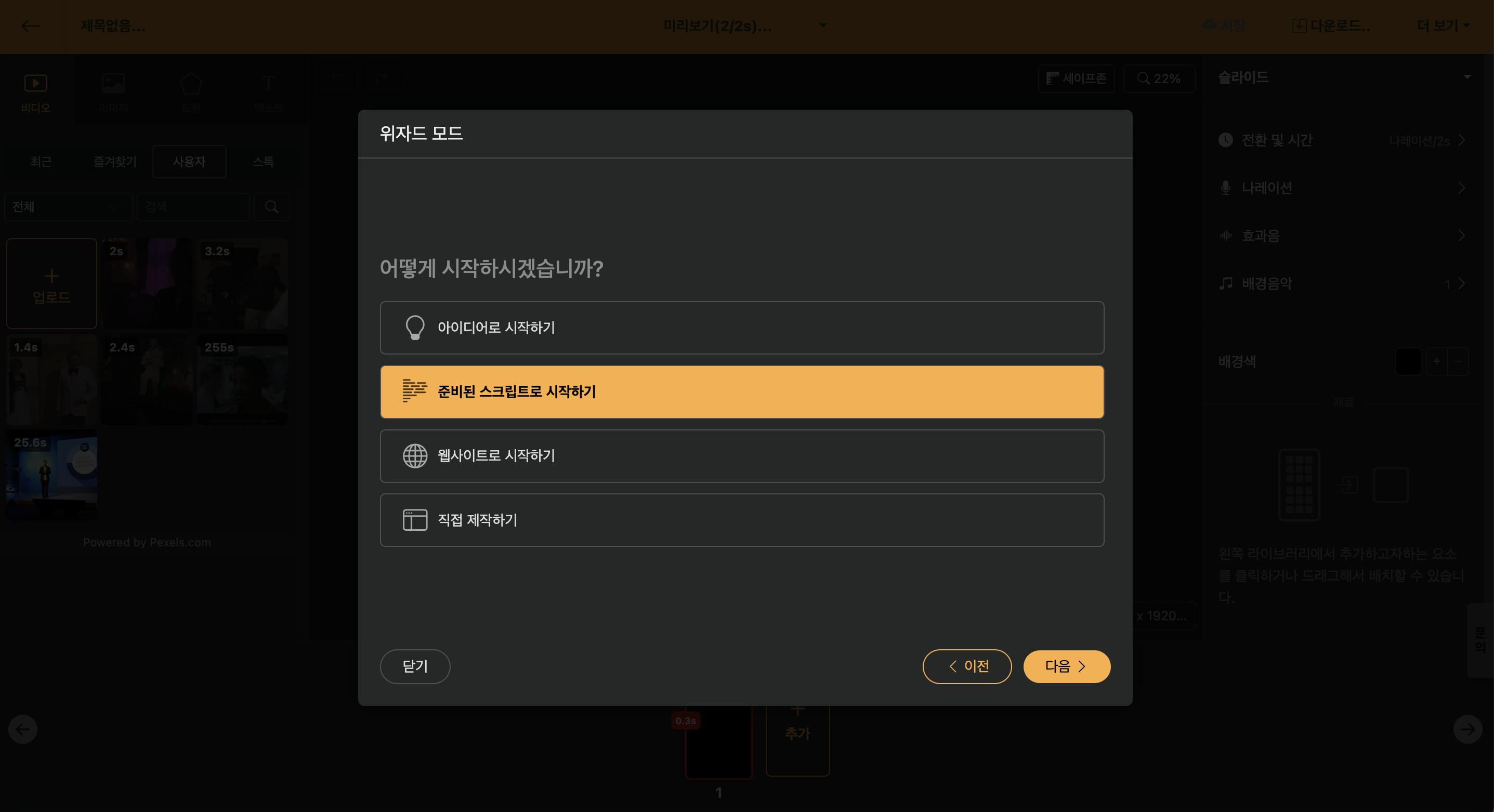
If you want to change the length, you can use the [Trim] function at the top right. This function changes the length while maintaining the style of the script entered by the user as much as possible.
Start with the website
You can start editing videos with the URL of a blog content or news article URL.
When you enter the URL, it fetches the text and images included on the website, and if needed, you can change the length through the [Trim] function.
Create directly
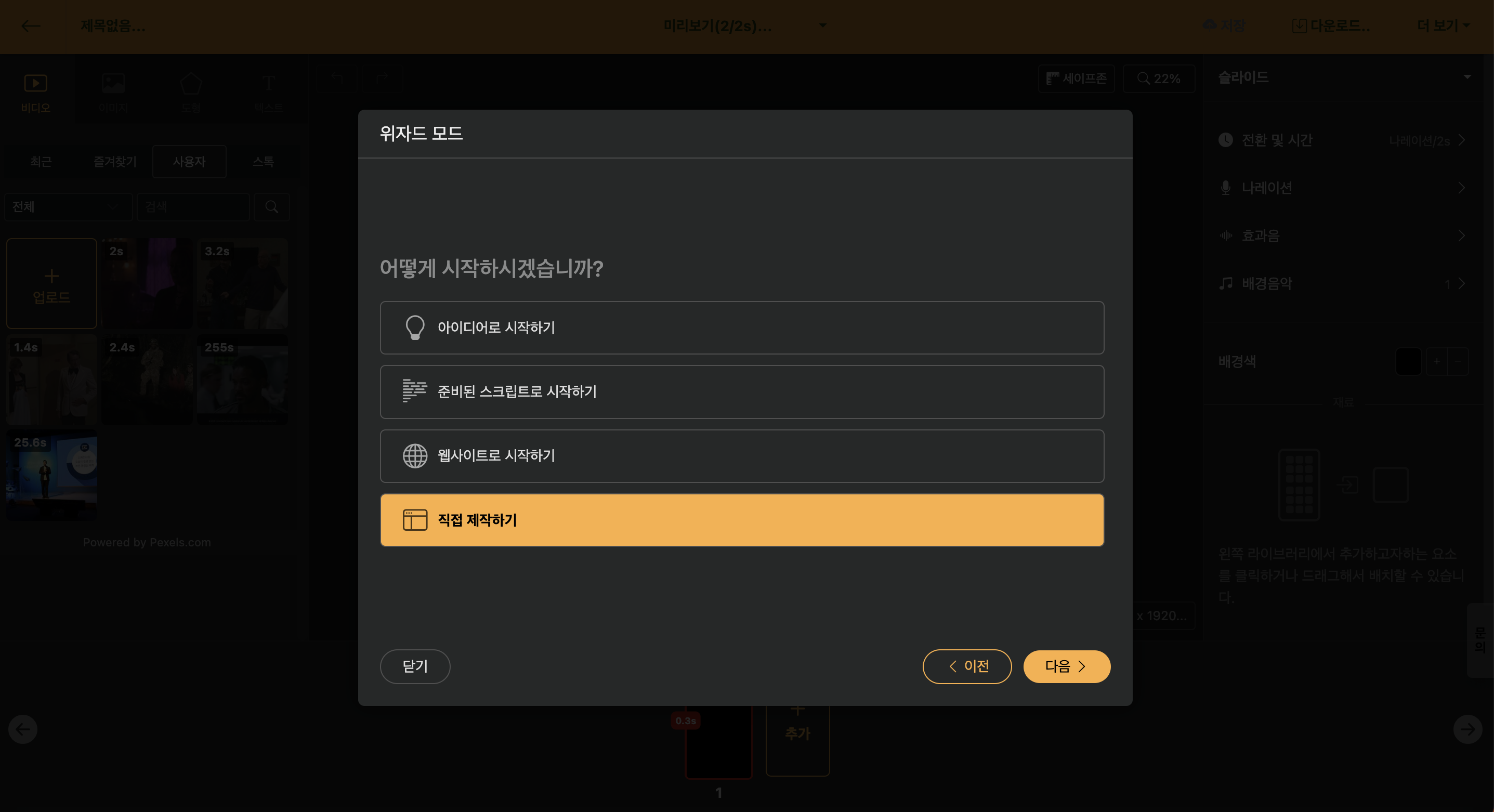
You can end wizard mode and start working directly in the editing screen. It is useful when creating intro and outro videos using Auto Animation or Language Learning Videos.
