Guide
Add AI Image
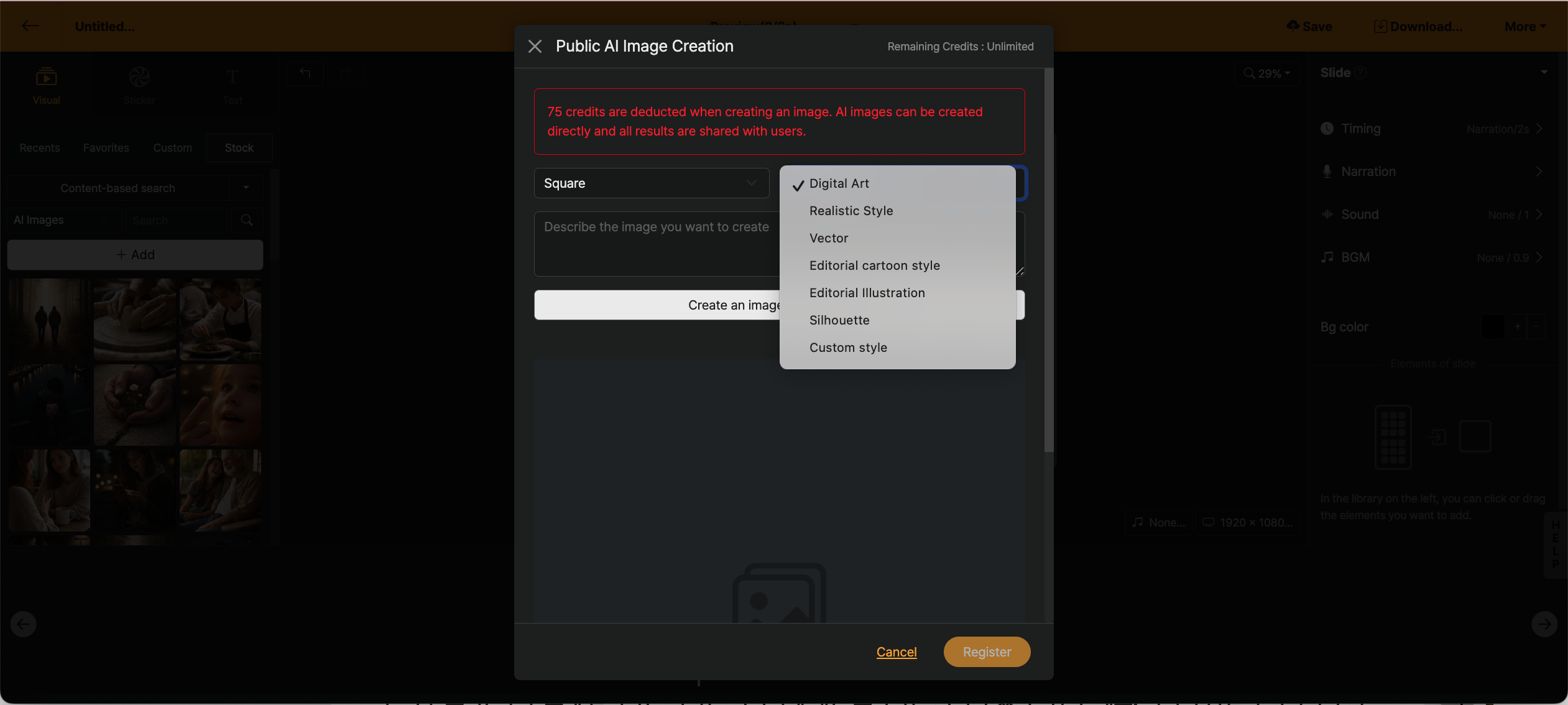
< Add public AI image window >
When you press the + Add button, a modal window appears to add AI images. By default, if there is a text block entered within the slide, the text will be fetched.
The size of the image to be added can be selected from square, horizontal, and vertical, with the default value being square. (It is recommended to add in square format.)
Videostew’s AI image-addition feature is provided so that anyone can use prompts easily. Normally, images that many people create for their content are quite different from the images they want; to add the highest-quality images, you have to refine the prompt yourself, and that makes high-quality AI image generation possible.
